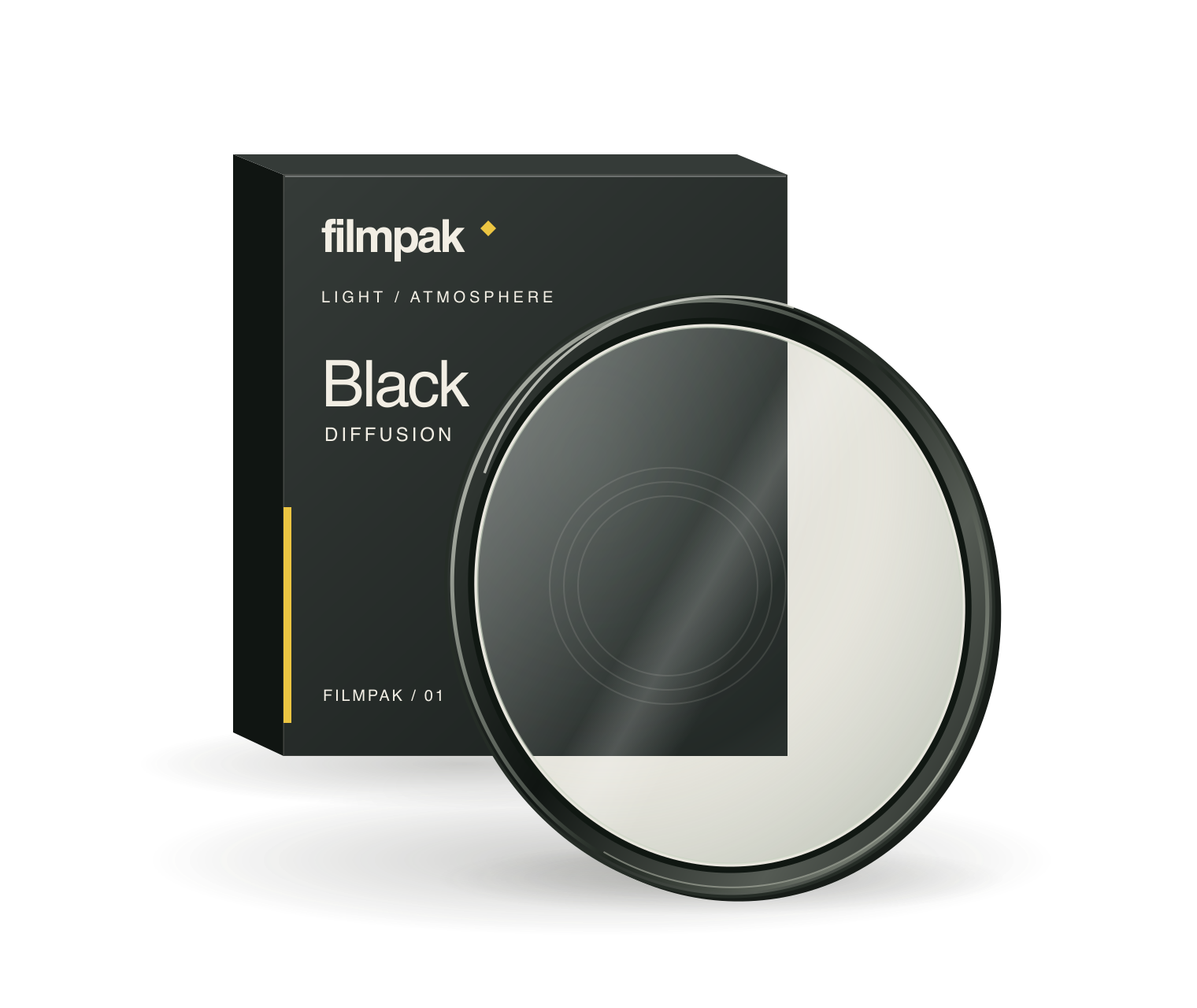
Black
01Glowing highlights. Deep shadows.
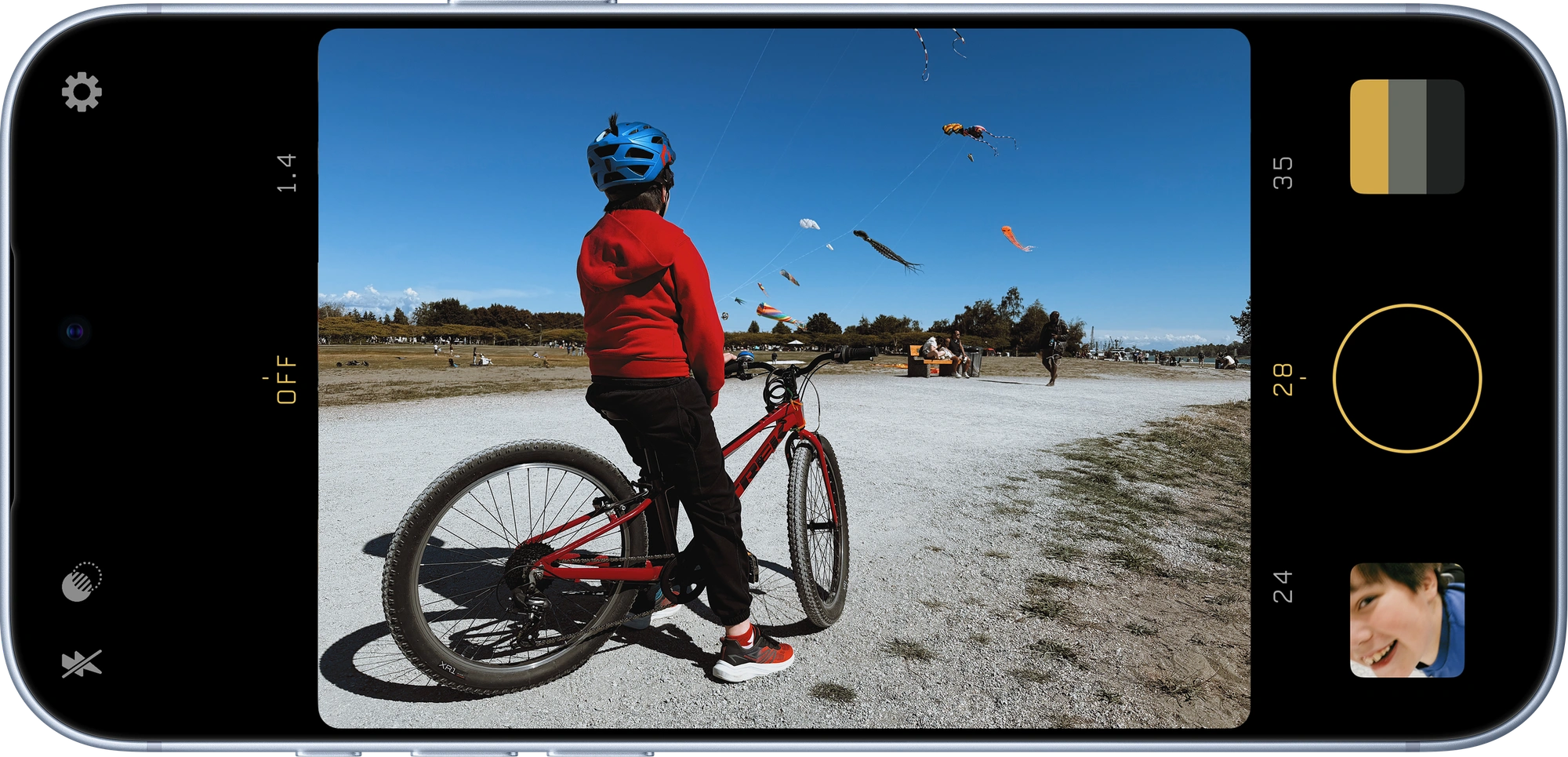
Create your own film look. See it as you shoot. Share it with someone.
01 / Recipes
Warm pastels. Flattering skin tones. A timeless look.
Start with a film simulation, meticulously recreated from real film.
Refine your recipe with a live preview. Add grain, adjust toning, and fine-tune colour.
See your film look before you press the shutter.
Save your recipe. Share it. See where someone else takes it.
03 / Diffusion
Black, white, or gold. Weak or strong. Simulated diffusion, previewed live with your recipe.
Glowing highlights. Deep shadows.
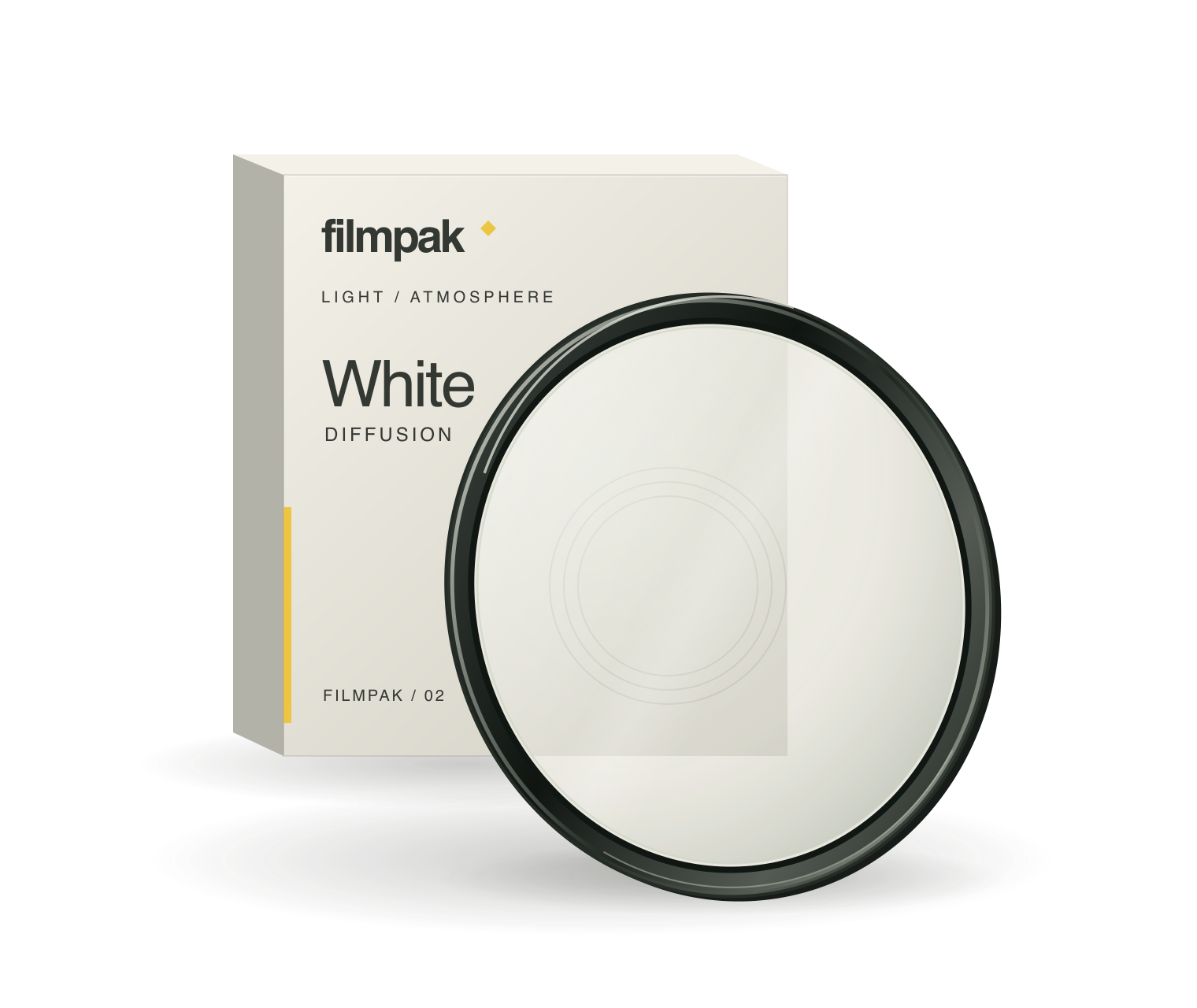
Soft light. An open, hazy atmosphere.
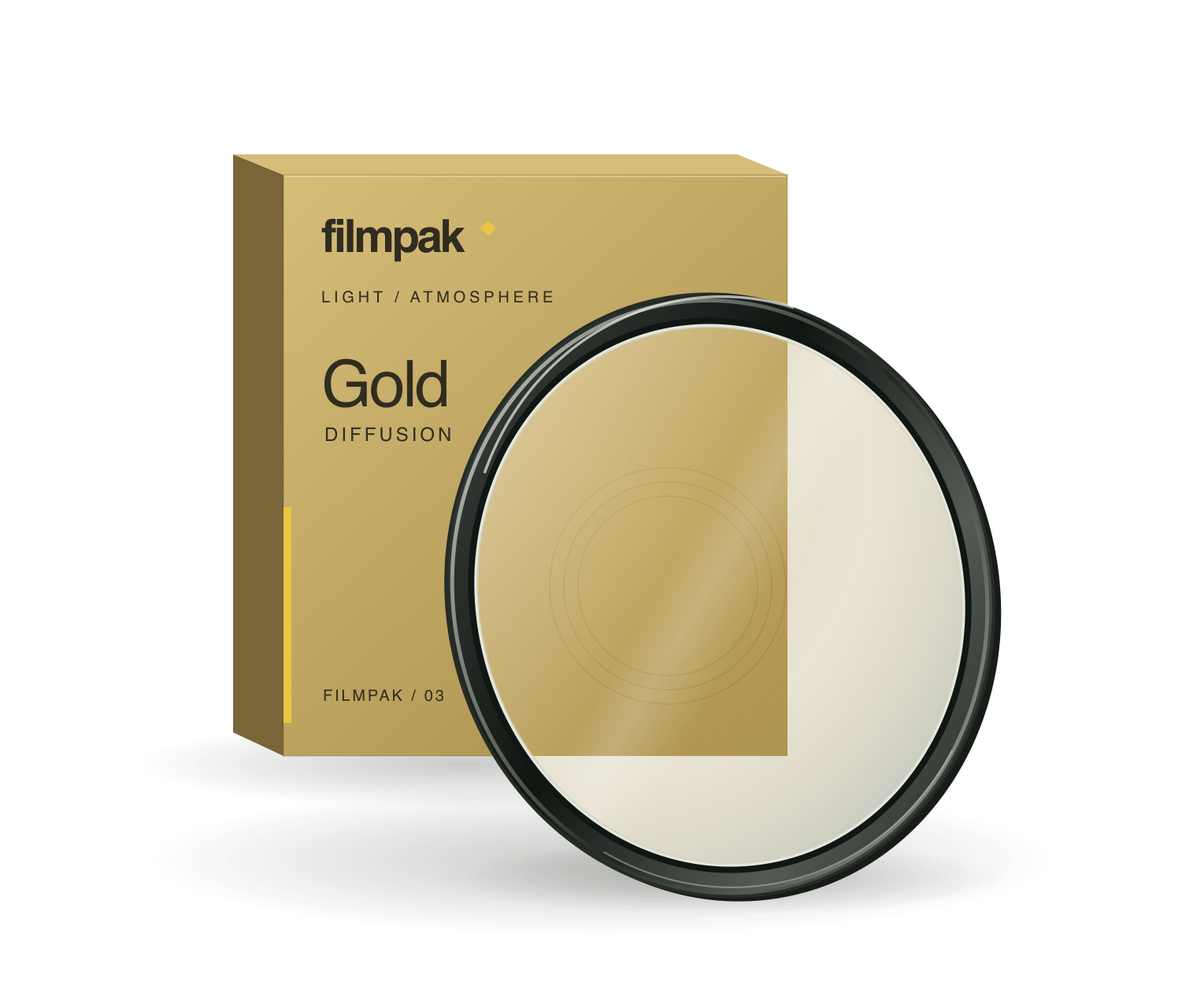
A warmer glow.
Digital simulations, no physical filter required.
04 / Colour science
Filmpak uses a perceptual colour space in key parts of its image processing to make adjustments that better reflect how we see.
Unlike saturation controls in other apps, Colour Density adds richness and colour depth rather than making colours more neon and luminous.
Film Definition enhances lightness detail without directly sharpening colour noise.
Intense colours are rolled off smoothly, helping to avoid harsh colour clipping.
Field notes
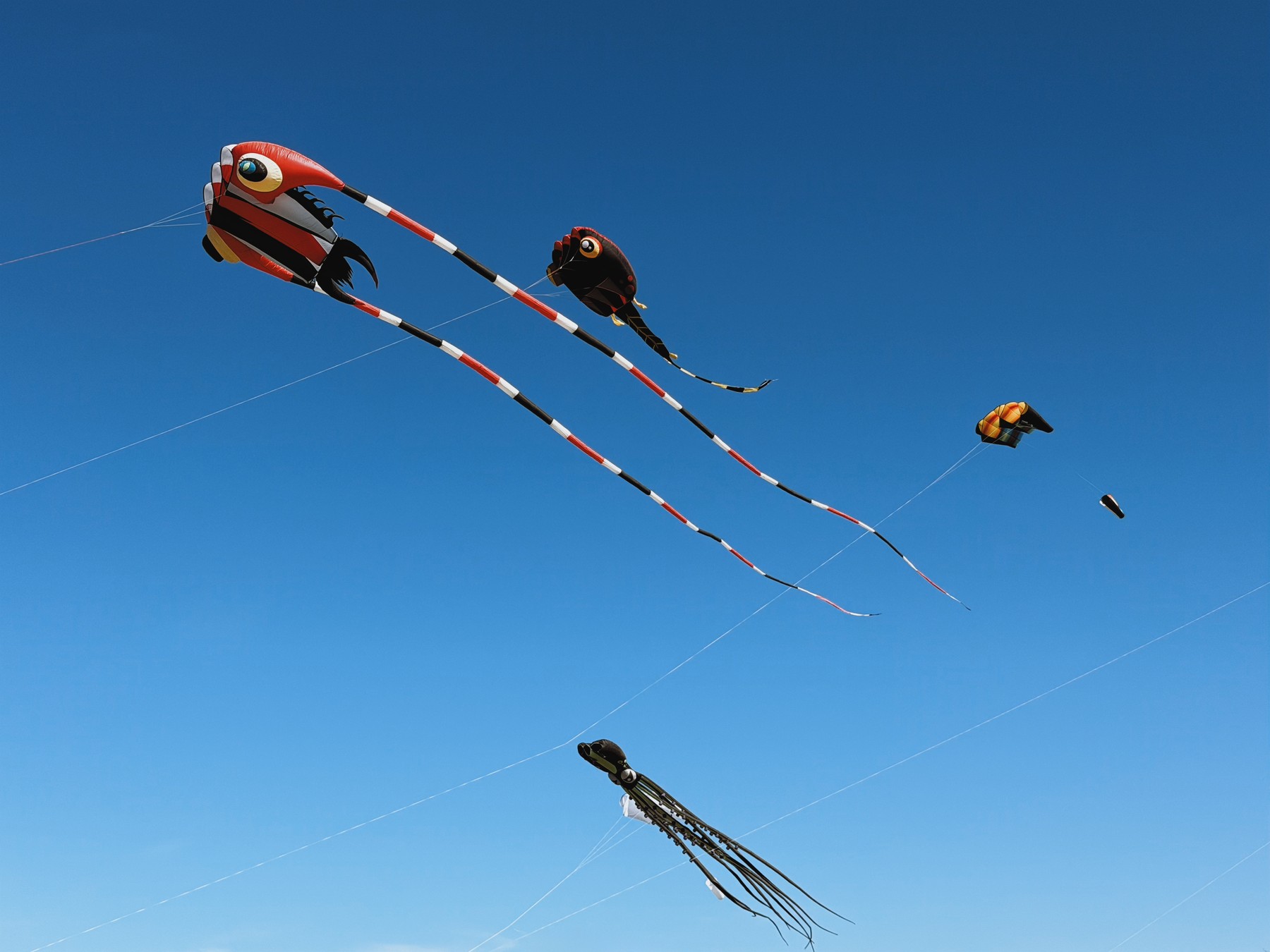
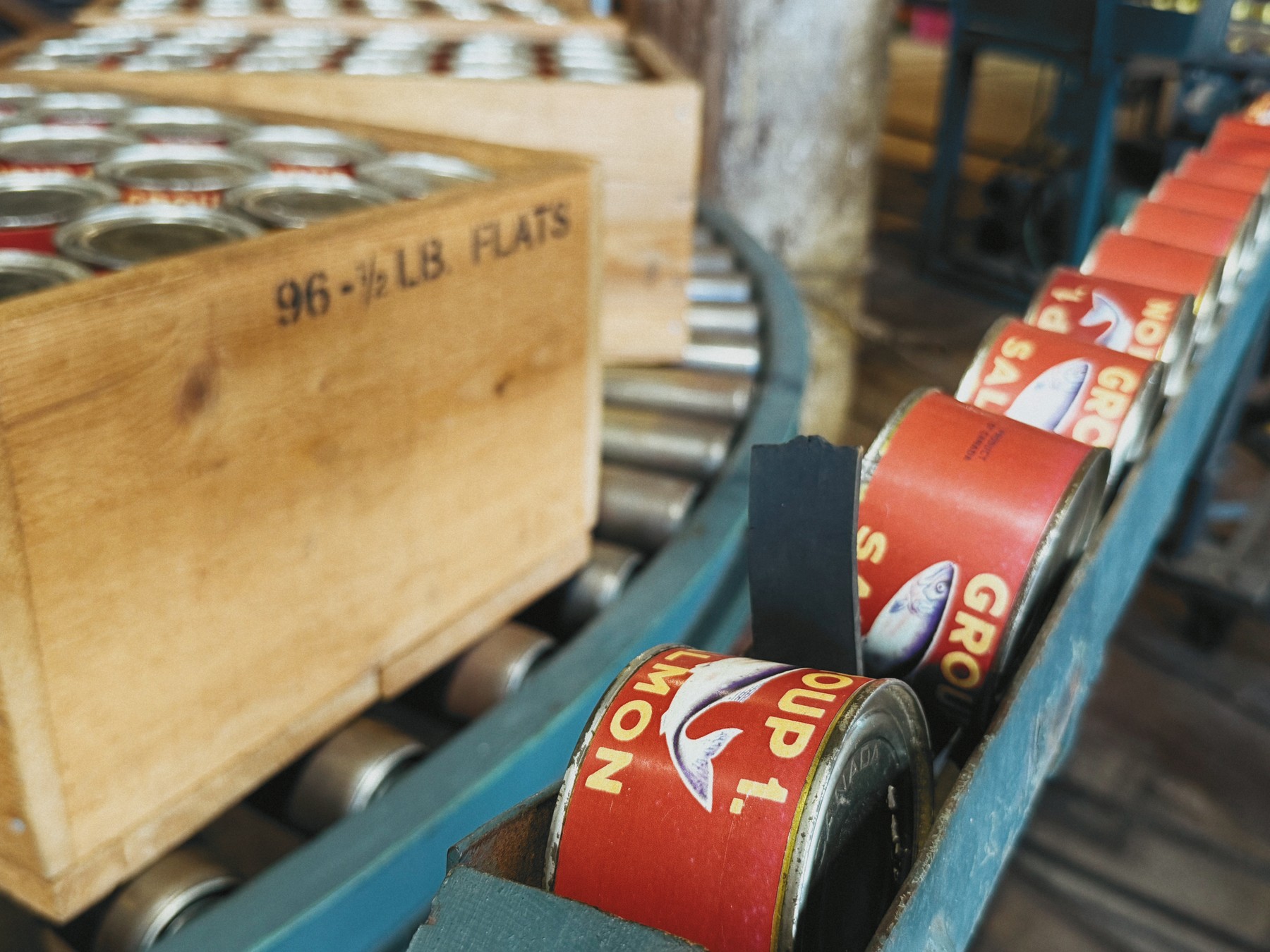
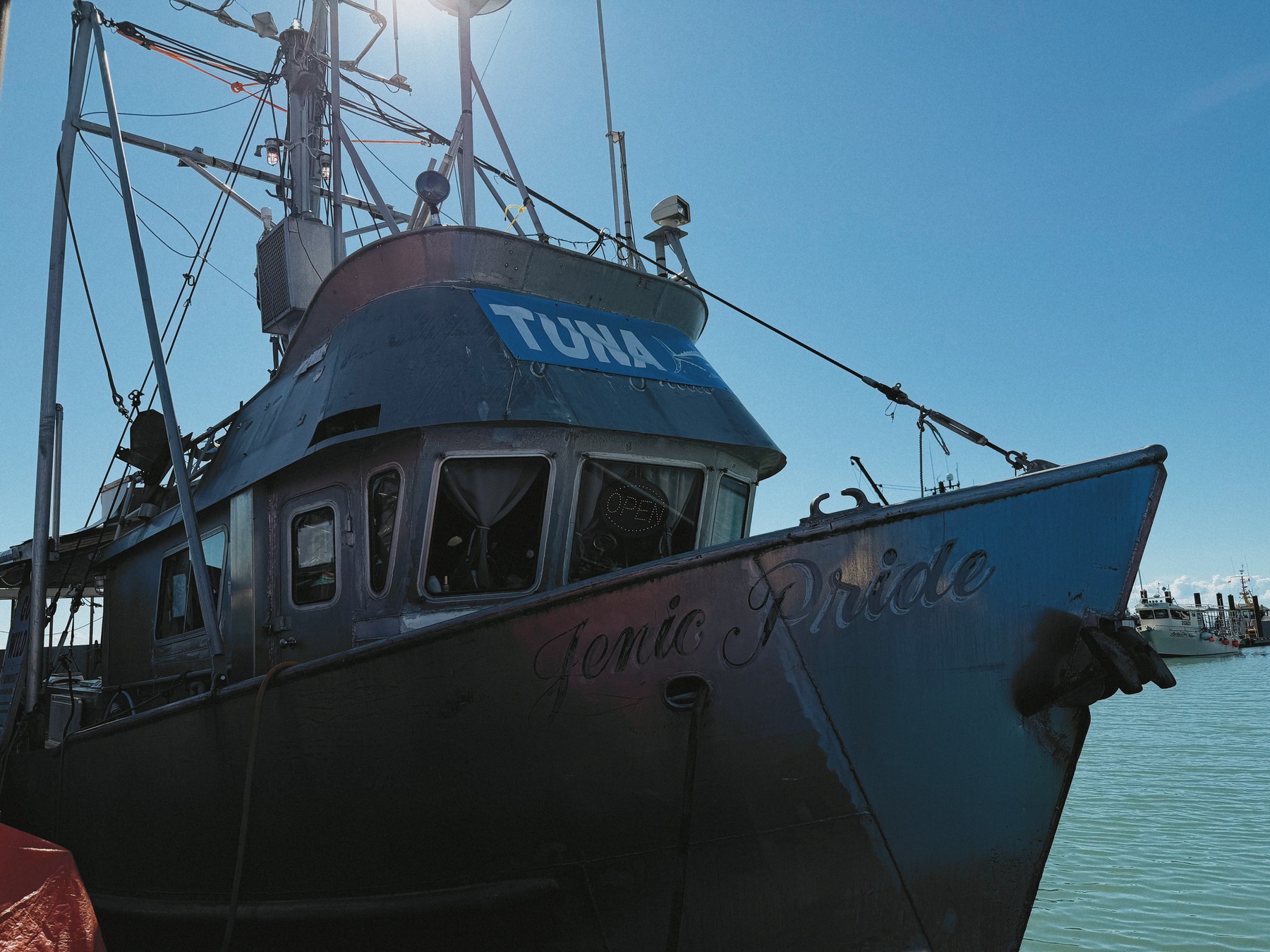
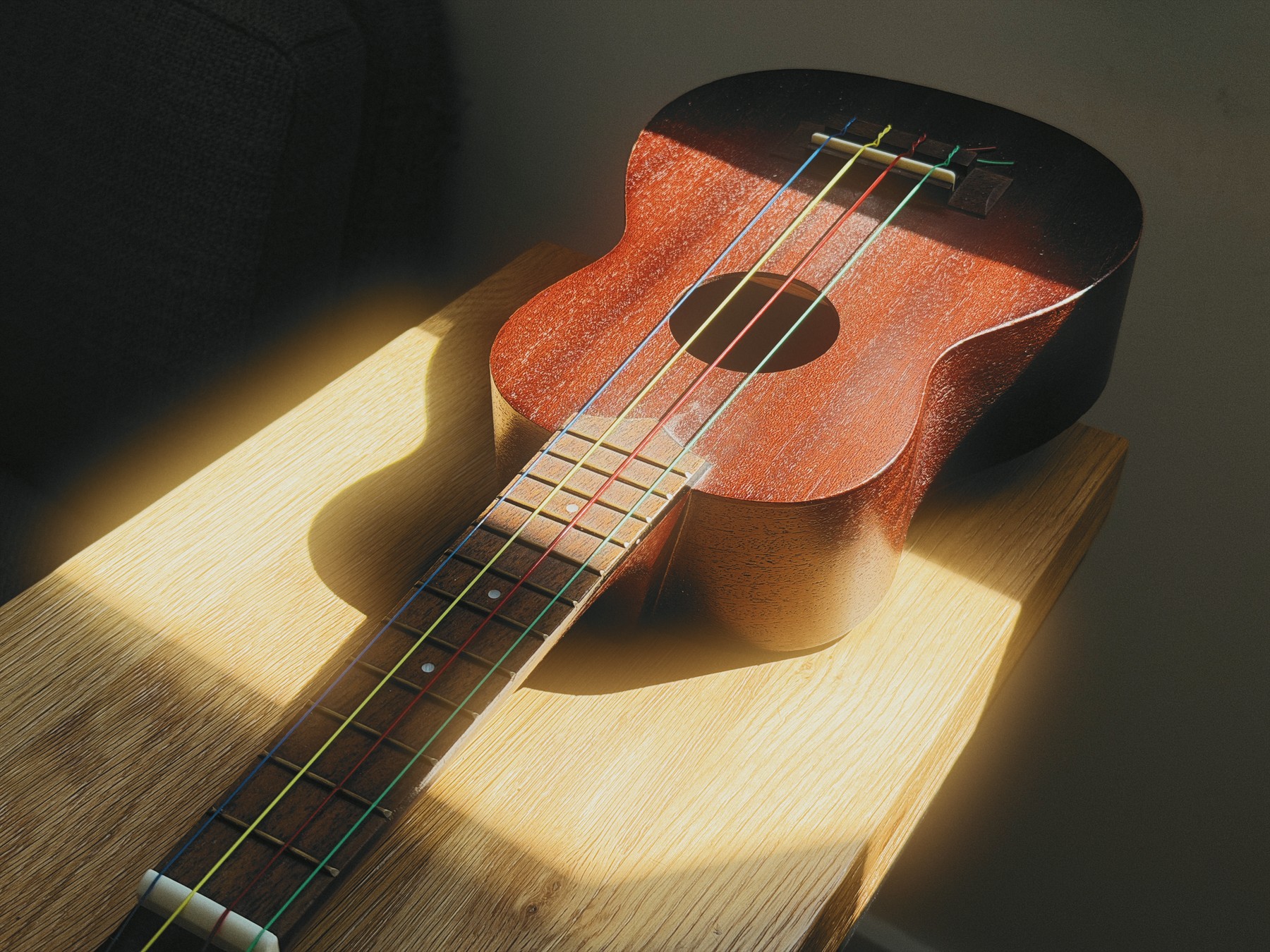
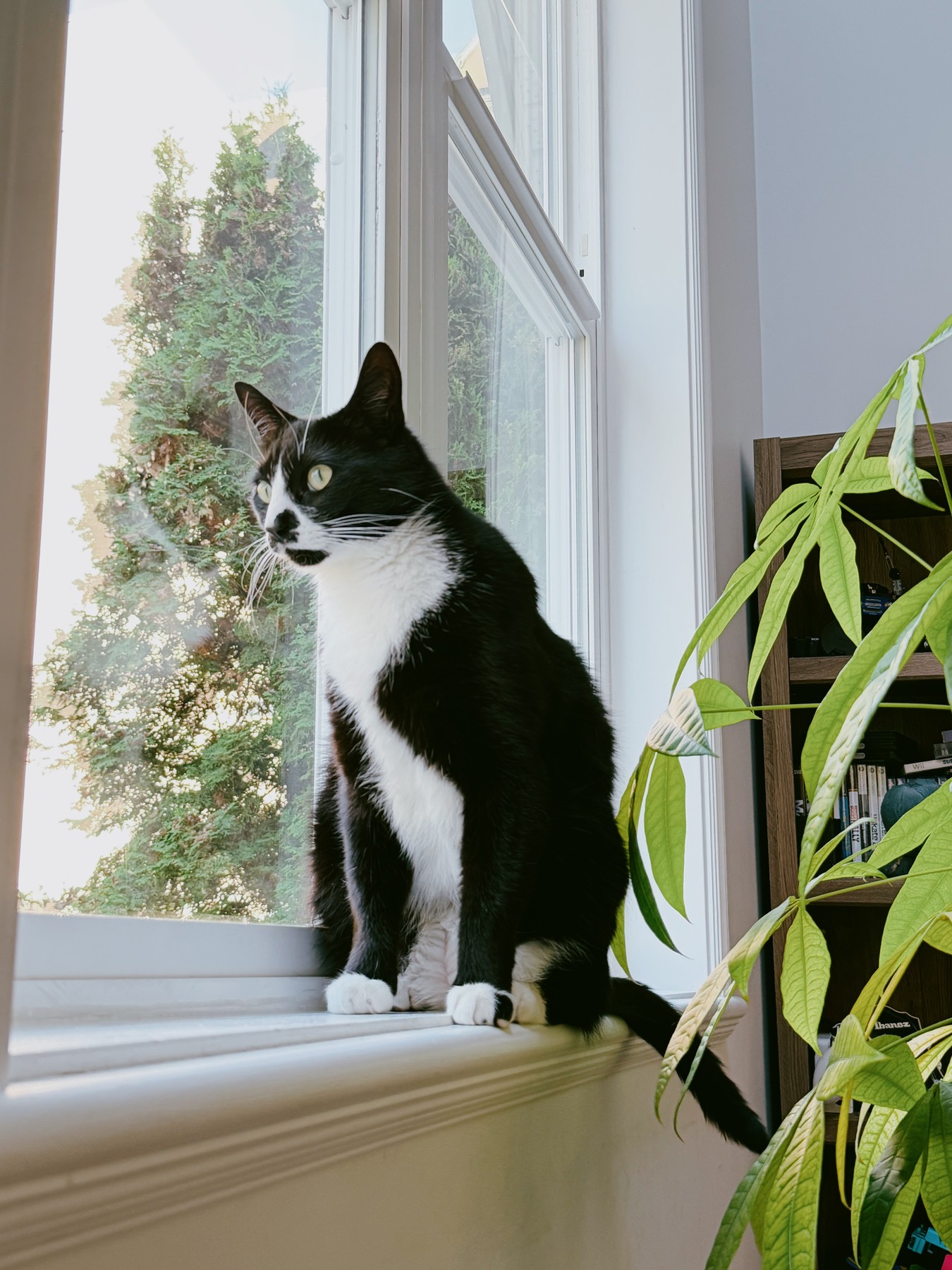
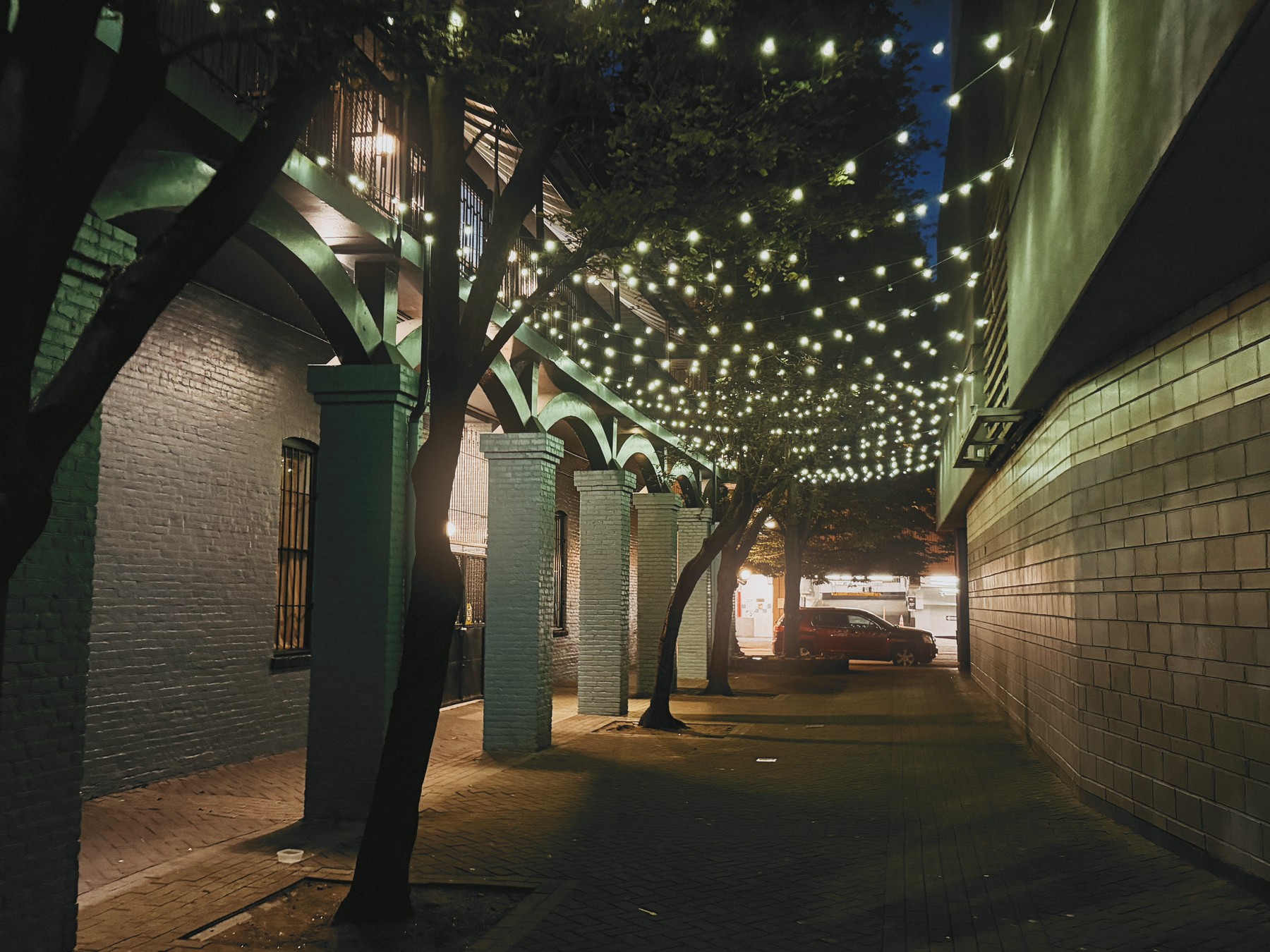

A note from the creator
I wanted a photographer's camera that could be with me everywhere I go. However, due to their incredible popularity, it was simply impossible to buy a Fuji X100VI or a Ricoh GR. The prices got silly. So I started building the camera I really wanted, with no compromises.
It started with a wishlist for my perfect companion camera. Make film recipes easy to create and share. Let me be intentional about focal length like I am with prime lenses. Let me use diffusion filters without faffing around with diffusion filters. And finally, let me preview all of this accurately in the viewfinder.
Thank you for reading. Please give Filmpak a go - my hope is that it enables you to create the art that you imagine.
Kevin ❤️
Filmpak for iPhone
Shoot. Share recipes. Help shape Filmpak.
TestFlight access will appear here.
A film simulation and your adjustments, saved as a look you can shoot with and share.
The TestFlight link will appear here when access opens.
The tested iPhone list, required iOS version, and camera limitations will be published with the beta.
Filmpak can be used for free, forever. We plan to offer a monthly subscription and an outright purchase option that will give you access to all film types and all functionality. Prices are still being decided.
Community and feedback links will be added when the beta opens.